Custom Grids
Event photos with a phone: use a grid-based shot list
A phone event photography workflow for birthdays, launches, meetups, dinners, and small gatherings using repeatable grids and a simple shot list.
Small events are where phone photos should shine, but they often come back as a pile of random moments: one blurry cake, five half-cropped group photos, a dark room shot, and no image that explains what the event actually felt like.
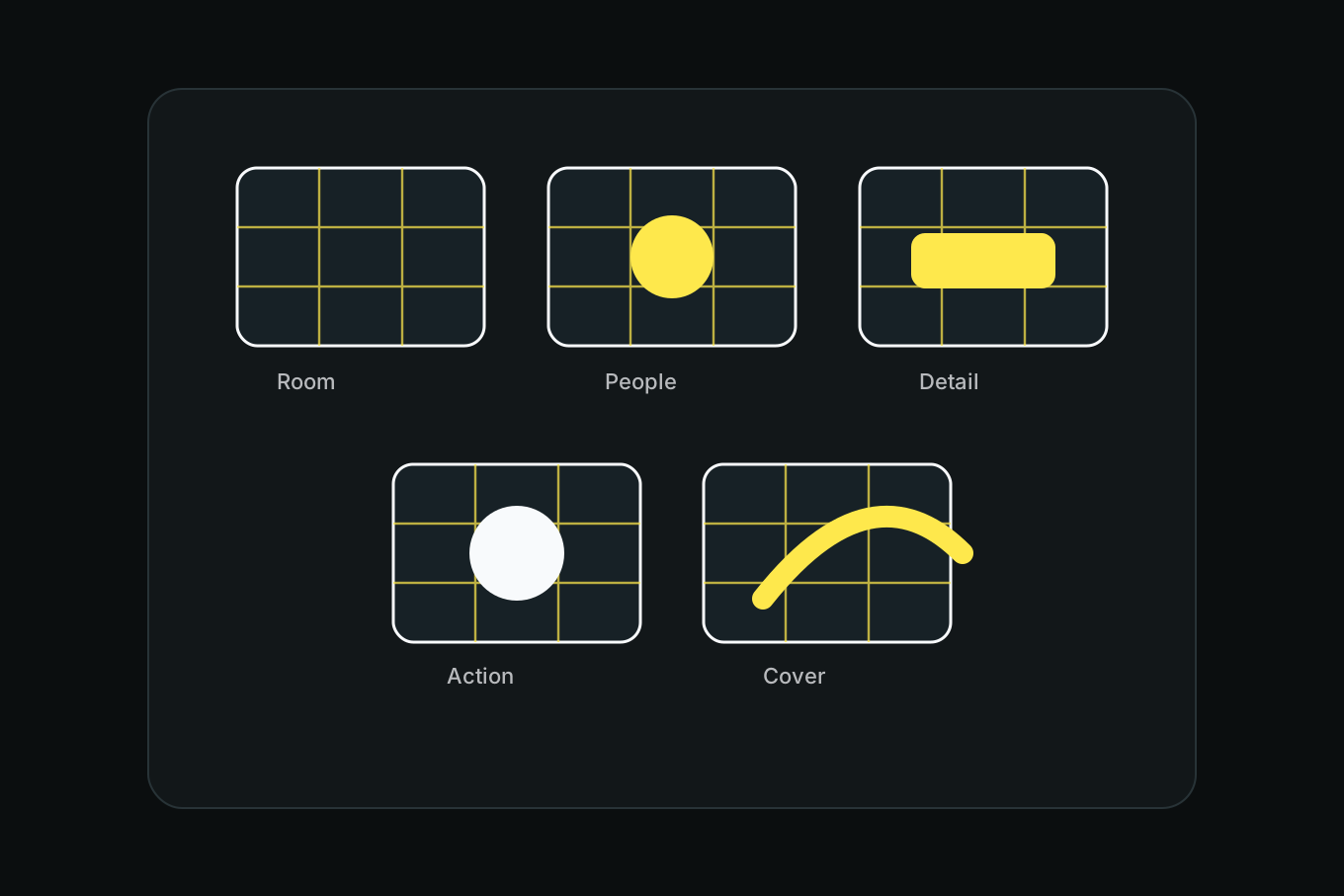
The fix is a shot list, but not a stiff one. Use a few saved grids to capture the same kinds of frames every time: room, people, details, action, and vertical covers. The grid makes the list fast enough to use while the event is happening.
Think in five frames
For most small events, you only need five categories:
- Establishing photo: where this is happening.
- People photo: who is there.
- Detail photo: what makes this event specific.
- Action photo: what is happening.
- Vertical cover: what could represent the event later.
This works for birthdays, dinners, meetups, product launches, workshops, small concerts, school events, pop-ups, and family gatherings. The subjects change. The frame types stay useful.
Build an event shot-list grid
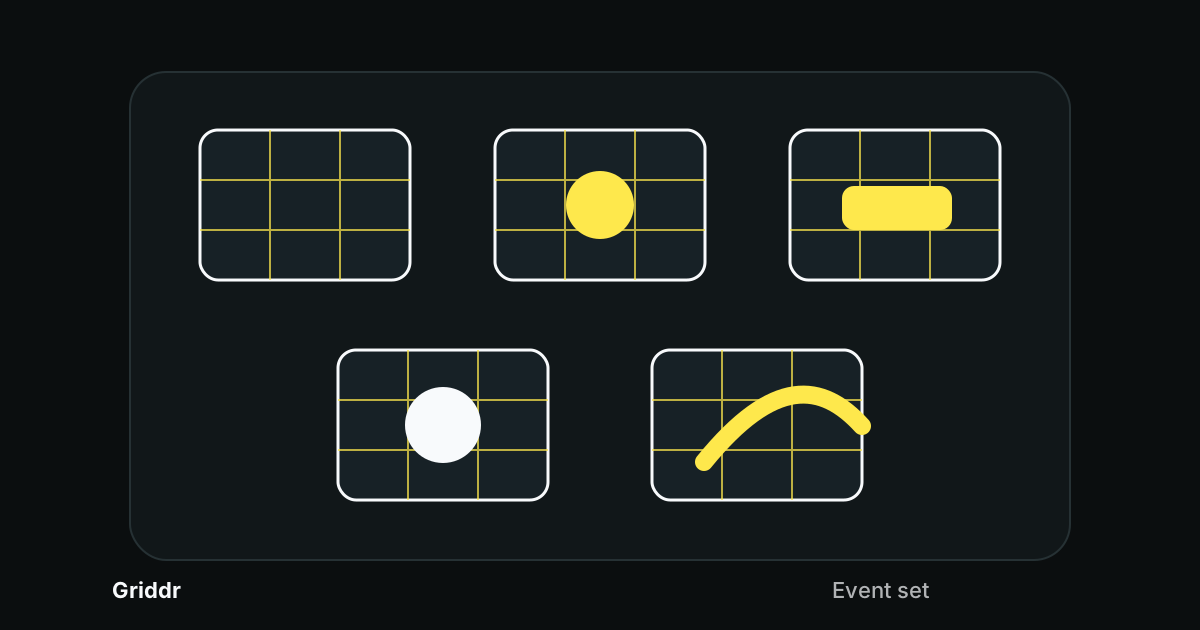
In Griddr, create a custom grid called Event set:
- Start with a 3x3 grid.
- Add a center cross for speakers, cake, stage, or table centerpieces.
- Add side safe margins around 10%.
- Add a top safe guard for vertical covers.
- Add a lower detail zone for hands, objects, plates, and signage.
You can use this one grid for most event frames, then switch to specialized grids when needed.
Capture the room before it fills
The establishing photo is easiest before people spread everywhere. Shoot the room, table, stage, booth, sign, or entrance while it is still readable.
Use the center line for symmetry if the setup is formal. Use rule of thirds if the room has a main subject off to one side. If there is a strong doorway, banner, table edge, or stage line, level it before shooting.
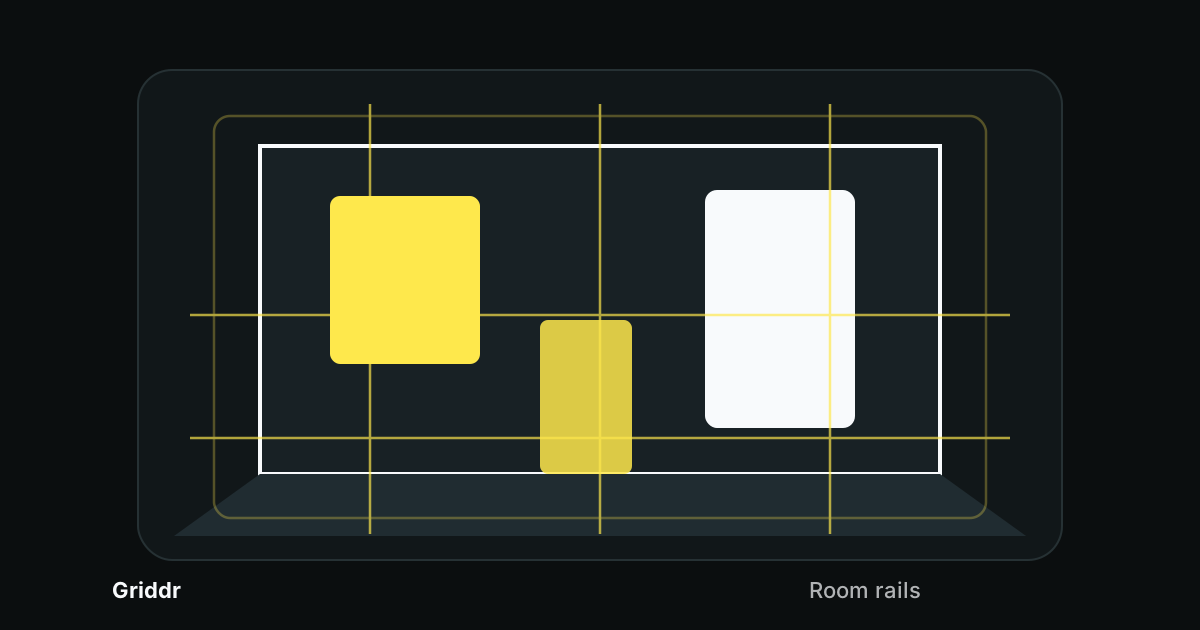
This is close to the logic of real estate room rails, but looser. You are not selling the room. You are explaining the event.
Use people frames intentionally
For people, switch your mental grid depending on the group:
- One person speaking: eyes near upper third, room in front of gaze.
- Two people talking: faces on opposite thirds.
- Small group: use group photo face lines.
- Crowd: find a leading line or repeated shape.
- Candid table scene: keep the table edge level.
The point is not to interrupt everything for perfect poses. It is to avoid random crops while people are moving.
A useful event gallery answers five questions: where, who, what, what happened, and what should represent it later.
Details make the event specific
Event details are the difference between "a room with people" and "this event." Look for:
- invitation or program
- name tags
- table settings
- cake or food
- products
- signs
- flowers
- hands making something
- tools or materials
- gifts
- tickets or wristbands
Use the lower detail zone or center cross. Keep the detail inside the safe margin. If the detail has text, align it like a product label so it reads cleanly.
Shoot a vertical cover before you need it
Every event needs one clean vertical image later: recap post, story, invite, flyer, cover, thumbnail, or announcement. Do not wait until the end when the room is messy.
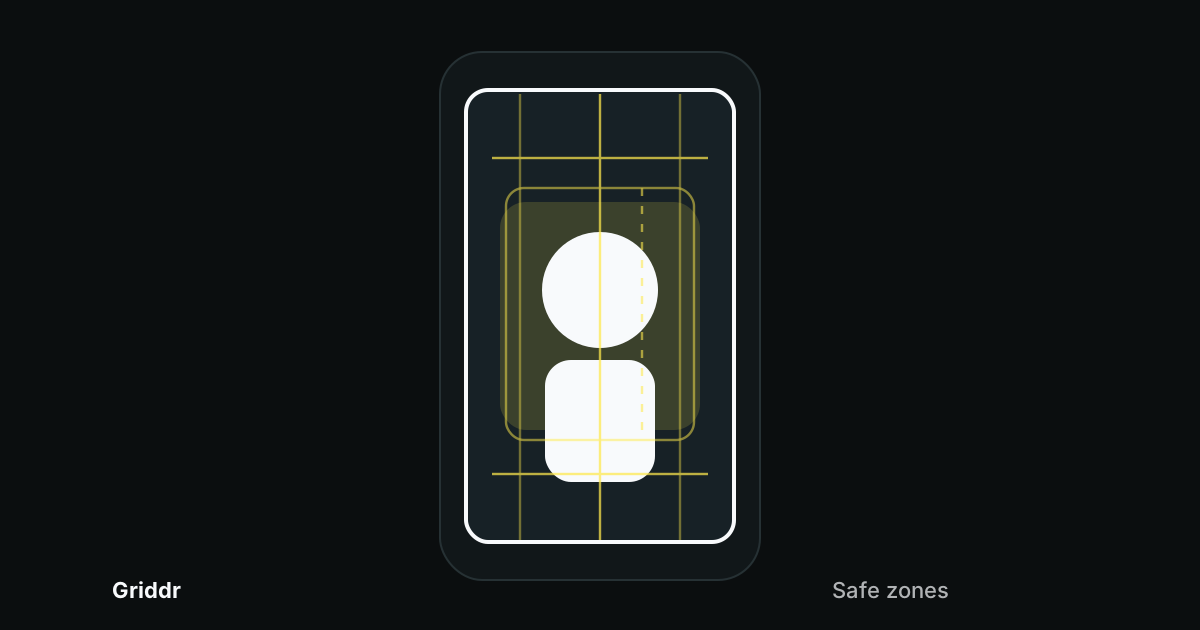
Use the vertical social safe-zone grid. Put the subject inside the center box and leave one quiet lane for text. Good cover subjects include signage, a speaker, a table scene, a product, a cake, a doorway, or a strong room detail.
If you capture only one planned image at an event, make it the vertical cover.
The 10-minute event routine
Use this loop:
- First 2 minutes: room and details.
- Next 3 minutes: people and small groups.
- Next 2 minutes: action or speaker.
- Next 2 minutes: vertical cover options.
- Final 1 minute: anything missing.
Repeat the loop if the event changes. A birthday has arrival, cake, gifts, and candid moments. A launch has setup, crowd, demo, speaker, and product. A workshop has materials, instruction, hands-on action, and finished work.
Common phone event photo mistakes
Only shooting people. Details and room context make the gallery understandable.
Only shooting details. People make the event feel alive.
Skipping the cover image. A clean vertical frame is easier during the event than after.
Letting signs and tables tilt. Level the strongest line before the moment starts.
Trying to document everything. Use the five-frame list. It keeps you focused without making the event feel like a job.
Phone event photography gets better when you stop hunting for random moments and start collecting useful frames. The grid does not slow the event down. It gives your eyes a shot list they can follow quickly.
Related reading
Shoot this with Griddr
Get Griddr — free on iOS & Android