Beginners
Group photo composition on a phone: keep faces clear and rows level
A practical phone group photo composition workflow for face lines, headroom, edge spacing, rows, background cleanup, and faster family or team photos.
Group photos are hard because everyone becomes a composition problem at once. One face hides behind another. Someone stands too close to the edge. The back row floats too high. The front row crouches into the crop. The phone tilts while everyone is trying to hold a smile.
A grid helps you solve the frame before the patience runs out. You do not need a complicated portrait setup. You need a face line, a headroom guide, clean edges, and a quick way to see whether the rows are level.
Decide what kind of group photo it is
Not every group needs the same frame.
Formal group. Everyone faces the phone. The goal is clarity. Use level rows, even spacing, and a clean background.
Casual group. People can overlap a little. The goal is energy. Keep faces visible and the edges clean, but let bodies and shoulders vary.
Team or class photo. The group itself is the subject. Keep the center stable and avoid cutting people at the edges.
Family or party photo. The relationships matter more than perfect symmetry. Put the most important people near the middle and keep smaller faces from getting hidden.
Choose the type first. Then use the grid to protect the faces.
Build a group photo grid
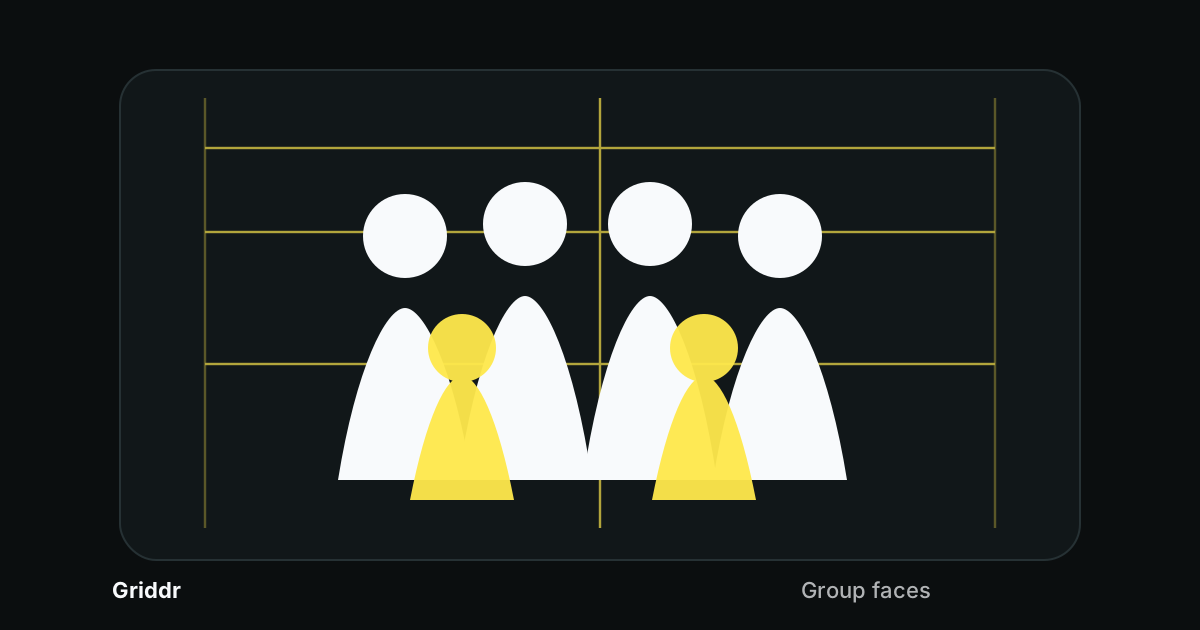
In Griddr, save a grid called Group faces:
- Add a horizontal face line around 35%.
- Add a headroom guard around 12%.
- Add side margin guards around 8% and 92%.
- Add a lower row line around 58%.
- Add a vertical center line.
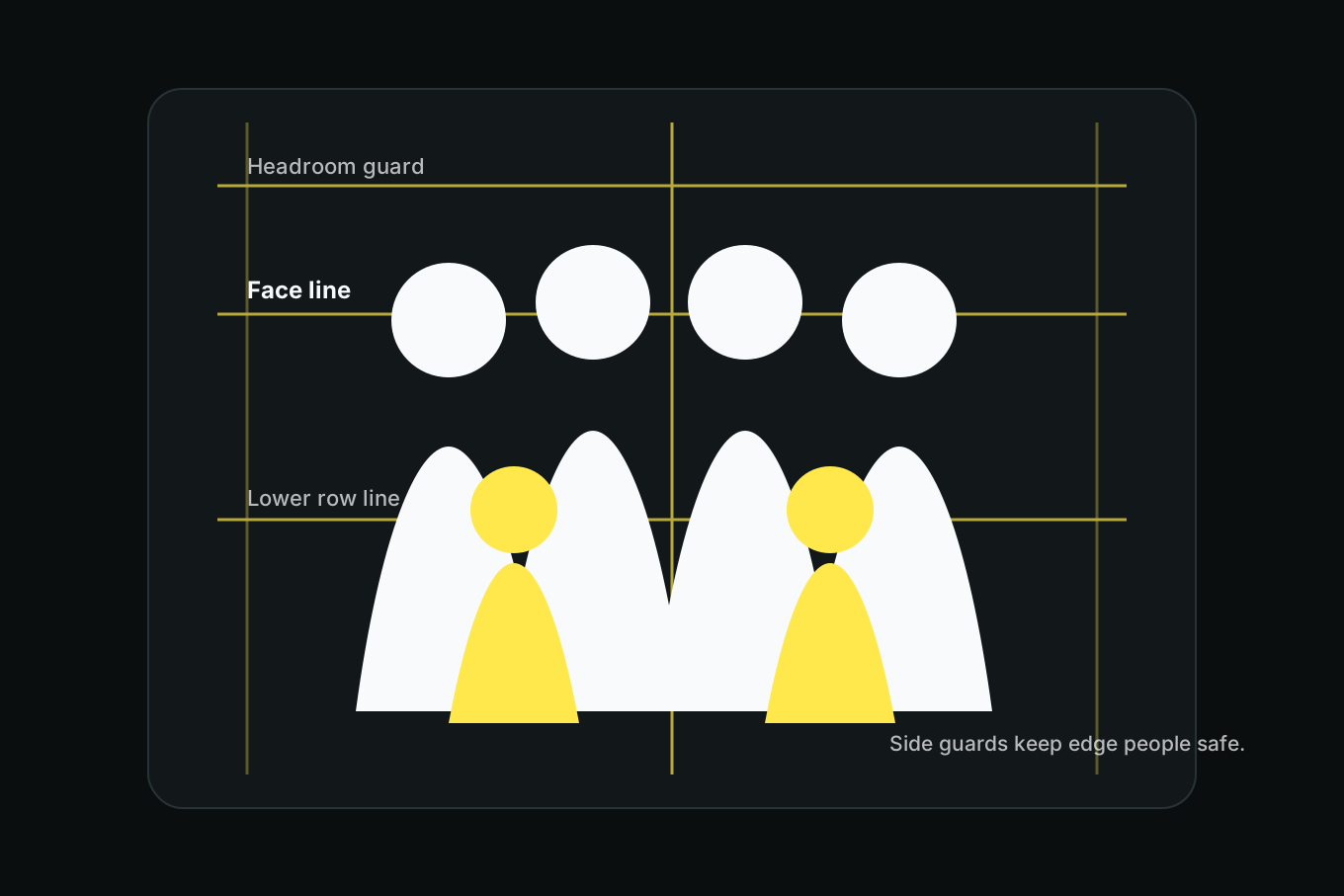
The grid is not asking everyone to become perfectly symmetrical. It is giving you a fast warning when the group is drifting.
Put eyes near the same line
For most group photos, the faces should live in a consistent band. If one person is much higher or lower, the frame starts to feel uneven.
Use the face line for the front row and the lower row line for seated or crouching people. If the group has a tall back row, keep those faces close to the upper third while making sure the headroom guard does not cut hair.
This is the same idea as portrait eye lines and headroom, just multiplied across several people.
Watch the outside people
The outside people are usually where group photos break. They lean in, get cropped at the shoulder, or end up with too much empty space beside them.
Use the side margin guards as a boundary. Everyone should fit comfortably inside them unless the crop is intentionally tight. If a shoulder or arm crosses the guard, step back before you ask people to squeeze closer.
Cropping later rarely fixes edge mistakes. It usually cuts someone else.
In a group photo, the edges matter because the person at the edge still wants to be in the photo.
Move people, not the phone
Once the phone is level, avoid solving every problem by tilting or stepping sideways. Move the people first.
If one person is hidden, ask them to slide half a step. If the group is too wide, bring outside people inward. If the back row disappears, raise the phone slightly while keeping the grid level. If the background is messy, move the whole group a few feet instead of cropping tighter.
The grid gives you the diagnosis. The people are usually the fix.
Give the background some distance
Groups often stand too close to the background because it feels tidy: against a wall, in front of a banner, under a sign, or tight to a fence. The photo usually improves if the group steps forward.
Even a few feet of distance helps separate heads from background lines. It also keeps shadows from merging with people and gives the frame a little depth. Use the grid to check where the strongest background line sits. If it cuts through faces, move the group forward or move the phone higher or lower until the line falls above or below the face band.
For signs and banners, keep the important text above the headroom guard or clearly behind the group. Half-hidden words are distracting, especially when they sit on the same horizontal line as eyes.
The 20-second group photo checklist
Before shooting, check:
- Is the phone level?
- Are all eyes visible?
- Is the tallest head below the headroom guard?
- Are outside shoulders inside the side margins?
- Are rows visually level?
- Is there a bright object behind any head?
- Does the background line cut through faces?
Then shoot a burst or take three frames. Someone will blink. Plan for it.
Common group photo mistakes
Standing too close. Wide lenses stretch outside faces. Step back and crop later.
Letting the back row hide. Raise the phone slightly or stagger shoulders so faces are visible.
Centering the empty gap instead of the group. Center the people, not the space between them.
Ignoring background lines. A fence, shelf, or horizon through the head line can make the photo feel messy.
Cropping feet or hands randomly. If it is a full-body group, include everyone fully. If it is a waist-up group, commit to that crop.
Group photo composition is mostly a kindness problem. Make every face visible, make the edges fair, and keep the phone steady. The grid lets you do that quickly while the group is still willing to smile.
Related reading
Shoot this with Griddr
Get Griddr — free on iOS & Android