Composition
Pet photography with a phone: use a grid for eyes, motion, and space
A phone pet photography guide for cleaner dog and cat photos, eye-line placement, motion space, background control, and faster compositions.
Pet photos fail fast because pets do not care about your composition. They sit for half a second, look away, walk toward the phone, turn into a blur, or become a tiny shape in the middle of the floor.
A grid helps because it reduces the number of decisions you need to make while the moment is happening. Put the eyes where they belong, leave space in the direction of motion, and keep the background from eating the subject.
Get lower before you compose
The biggest improvement in phone pet photography is usually camera height. Shoot from the pet's eye level whenever you can. A standing adult looking down at a dog or cat often makes the animal look small and the floor look huge.
Lower the phone, then use the grid. If you compose first from the wrong height, the grid only helps you make a well-aligned weak photo.
For small pets, put the phone near the floor. For larger dogs, crouch until the lens is close to their eye line. For action, kneel or sit so the pet moves through the frame instead of under it.
Build a pet photo grid
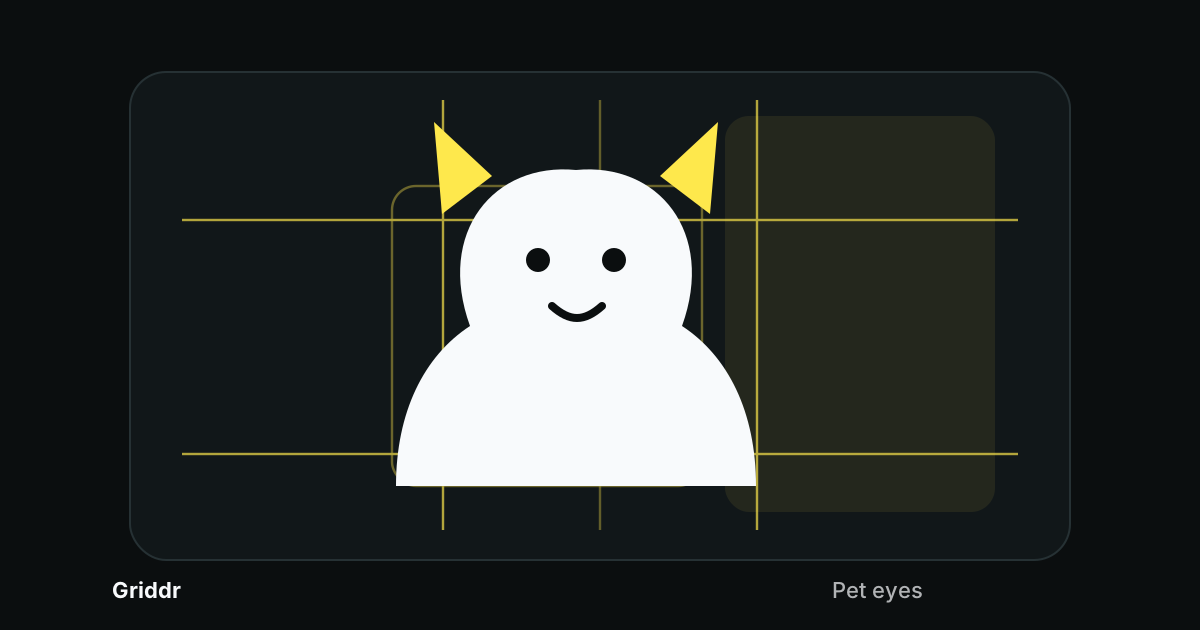
In Griddr, save a grid called Pet eyes:
- Add a horizontal eye line around 35%.
- Add vertical thirds.
- Add a center body safe zone.
- Add side motion-space guards around 12% and 88%.
- Add a low foreground line around 72%.
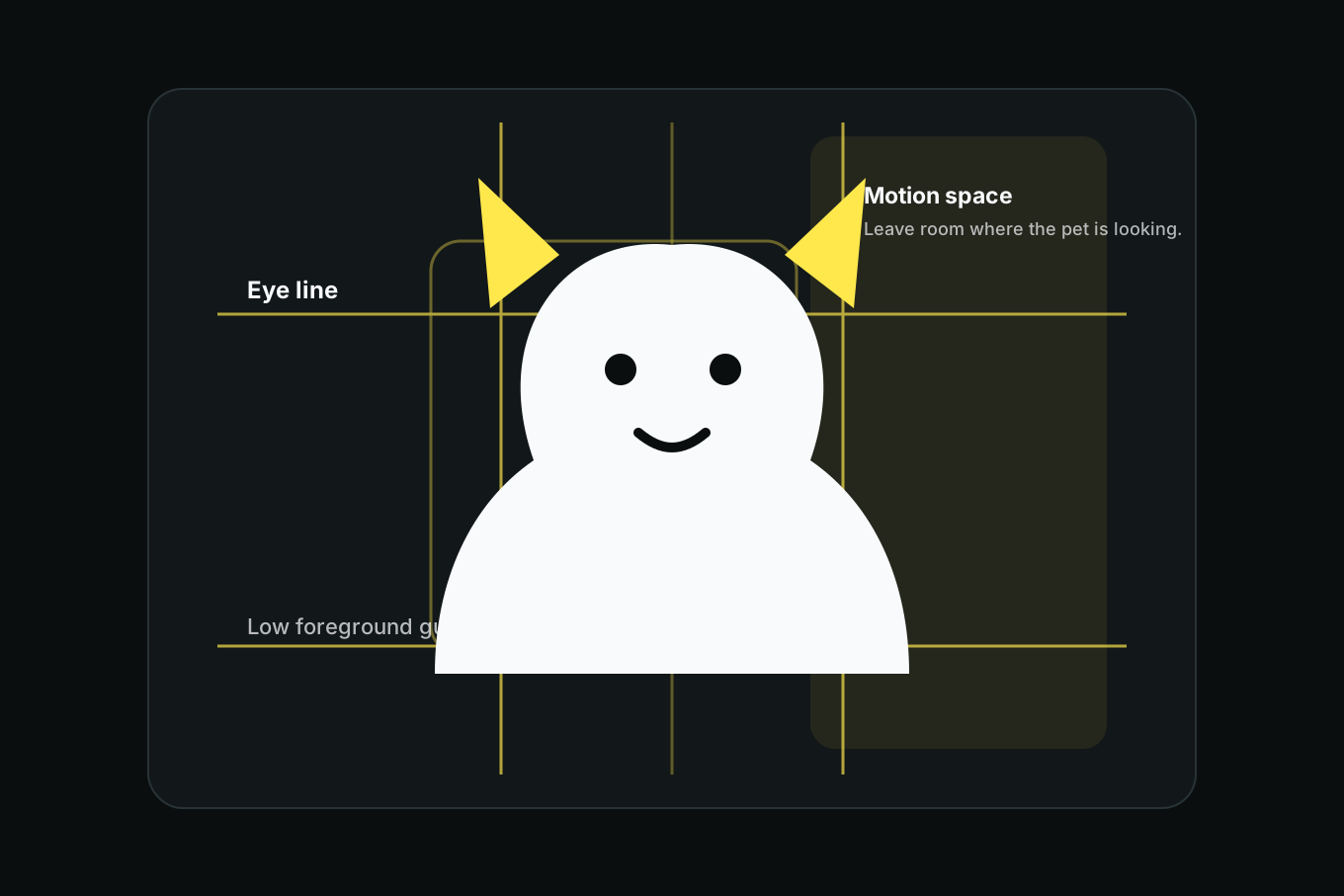
This grid works for portraits, sitting poses, walking shots, and simple action photos.
Put the eyes first
Pet portraits work like human portraits: eyes carry the photo. Put the eyes on or near the eye line, then adjust the crop around the body.
If the pet is looking left, leave more space on the left. If the pet is looking right, leave more space on the right. If the pet is looking straight at the phone, center the face or use the rule of thirds for a calmer frame.
This is the same principle as portrait composition, with one difference: pets move sooner, so you need the grid before the expression happens.
Leave motion space
For walking, running, jumping, or playing, leave space in the direction the pet is moving. A dog running toward the right edge needs room on the right. A cat looking up toward a toy needs space above the face. A pet walking toward the camera needs extra room around the body because the distance changes quickly.
Use the side motion-space guards as a warning. If the nose or paws are already near the guard, the next step may leave the frame.
Pet photos need room for the thing that is about to happen, not just the thing that is happening now.
Clean the background at pet height
A room that looks clean from standing height can look messy from the floor. Chair legs, cords, shoes, blankets, bowls, toy piles, and table shadows suddenly become the background.
Before shooting, check what is behind the pet's head and body. If a chair leg cuts through the ears or a bright object sits behind the face, move your position. The grid helps by showing which background shapes cross the eye line and body safe zone.
For outdoor photos, watch grass horizon lines, fence rails, parked cars, and bright patches of sky. If a line crosses the eyes, lower or raise the phone slightly.
Pre-compose before the expression
The best pet expression usually lasts less than a second. Do not wait for it before composing.
Choose the frame while the pet is calm, focused on a treat, or watching a toy. Put the eyes near the eye line and leave motion space in the likely direction of movement. Then hold the frame and wait for the look, head tilt, jump, or step. If you keep moving the phone after every small movement, you will always be late.
This is where a saved grid pays off. It lets you stop thinking about placement and start watching behavior.
A quick pet shot list
Shoot a small set:
- Eye-level portrait with eyes on the line.
- Wider body photo with the pet inside the safe zone.
- Action frame with motion space.
- Detail shot: paws, collar, toy, fur, whiskers, or nose.
- Environmental frame showing bed, window, yard, or favorite spot.
This gives you options without trying to force one perfect image.
Common phone pet photo mistakes
Shooting from too high. The floor dominates and the pet looks smaller than it feels.
Centering the body but missing the eyes. Align the eyes first.
No motion space. Leave room where the pet is looking or moving.
Busy background at head height. Check the eye line for clutter.
Waiting for perfect stillness. Use the grid to pre-compose, then shoot when the expression happens.
Pet photography with a phone gets better when the frame is ready before the pet is ready. The grid lets you wait for expression instead of scrambling for composition.
Related reading
Shoot this with Griddr
Get Griddr — free on iOS & Android