Beginners
Portrait composition on a phone: eyes, headroom, and crop lines
A simple phone portrait composition method for placing eyes, controlling headroom, avoiding awkward crops, and making portraits feel deliberate.
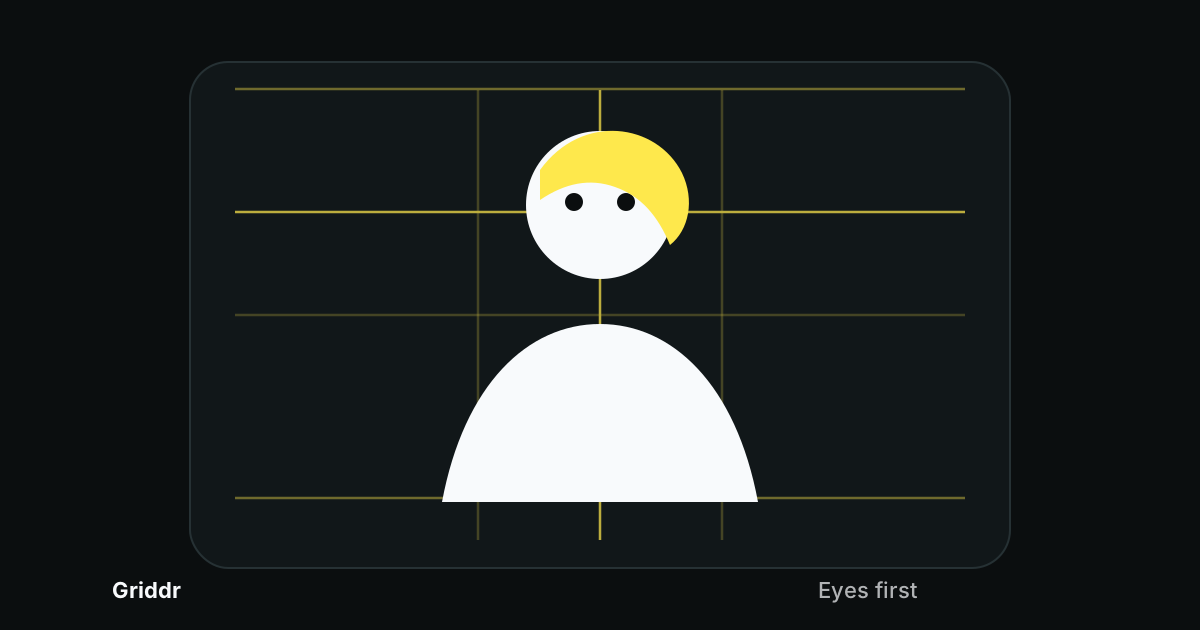
For phone portraits, the grid decision is simple: put the eyes first. If the eyes sit in the right place, headroom, shoulders, background, and crop all become easier to judge.
The common beginner mistake is centering the whole head. That usually leaves too much empty space above the hair and not enough attention on the face. A better portrait starts with an eye line, then uses the rest of the grid to keep the frame from feeling cramped.
The portrait grid that fixes most mistakes
Start with rule of thirds, then add two portrait-specific guides in Griddr:
- A horizontal eye line at 33%.
- A vertical center line at 50%.
- A headroom line around 8%.
- A lower crop guard around 88%.
Save it as Portrait guard.
The upper third is where eyes usually feel natural. The center line keeps the nose, chin, or body from drifting. The headroom line reminds you not to leave a huge empty block above the subject. The crop guard reminds you to check where the frame cuts the body.
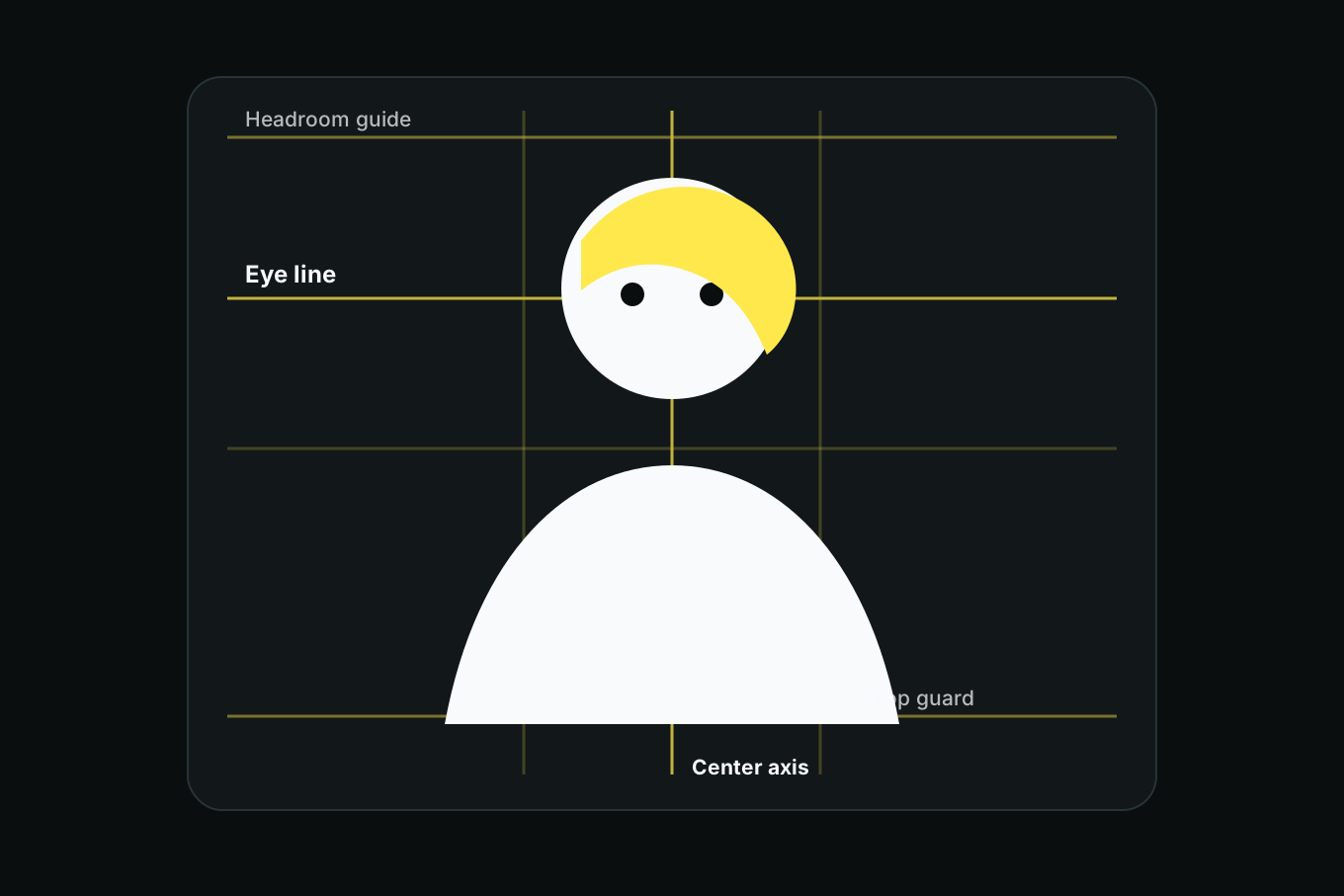
This is still a flexible grid. It is not telling you every portrait must look the same. It is giving you a default that is hard to mess up.
Place the eyes before you place the face
When you open the camera, ignore the outline of the head for a second. Put the subject's eyes on or near the eye line.
For a tight headshot, the eyes can sit directly on the 33% line. For a looser portrait, they can float slightly above it. For a full-body portrait, the face may be much smaller, but the eyes still want a clear relationship to that upper third.
After the eyes are placed, check the top of the head. A little headroom is fine. A large empty slab above the hair usually makes the portrait feel like the phone was pointed too high.
If the subject has tall hair, a hat, or raised hands, treat the highest visible shape as the top of the portrait. The headroom line is not about skull geometry. It is about visual weight.
Crop where the body can handle it
Awkward portrait crops often happen at joints: ankles, knees, wrists, elbows, and fingers. The viewer feels the cut because the body looks interrupted.
Use the lower crop guard as a pause point. Before you shoot, scan the bottom edge:
- If the frame cuts near the neck, make it a deliberate close headshot.
- If it cuts through elbows or wrists, widen or tighten.
- If it cuts through knees or ankles, reframe.
- If hands are visible, include the whole hand or leave it out cleanly.
The grid will not know human anatomy. It will slow you down long enough to check it.
Three portrait frames that work
The clean headshot. Eyes on the upper third. Nose near the center line. Small headroom. Shoulders enter the frame evenly. Background stays quiet.
The waist-up portrait. Eyes still near the upper third, but the body has room below. Keep the lower crop above or below hands, not through them.
The environmental portrait. Put the person on a vertical third instead of the center line. Let the empty side of the frame show the room, street, studio, trail, desk, or whatever tells the story. This is where the rule of thirds earns its keep.
If the portrait is symmetric, ignore the off-center advice. Center the face and use the vertical half line like you mean it. Symmetry only looks accidental when it is almost centered.
Watch the background before the expression
A good expression will not save a background line growing out of someone's head. Once the eyes and crop are right, scan the background against the grid:
- Does a pole, tree, doorframe, or shelf line intersect the head?
- Is the horizon cutting through the neck?
- Is the brightest object in the frame sitting on the opposite third?
- Is there too much empty space above the subject?
Move your feet before asking the subject to pose again. One step left can move a background line off the face. One step lower can put the eyes back on the grid.
Portrait composition is mostly eye placement plus edge awareness.
Lens distance matters
Composition gets harder when the phone is too close. The wide lens exaggerates the nearest features, so noses, hands, and foreheads can look larger than they feel in person.
Step back first. Use the regular 1x lens when you can. If your phone has a good portrait mode or tele lens, use it only after you have enough room to back up. A flattering portrait starts with distance, then grid, then expression.
The grid helps here because it gives you a reason to stop moving closer. If the face is filling the frame and the crop guard is cutting the chin or hands, the photo is not more intimate. It is just too tight.
When to break the grid
Break the portrait grid when the photo has a stronger idea:
- A centered, straight-on portrait where symmetry is the point.
- A tiny subject in a large landscape where scale matters more than face detail.
- A dramatic diagonal pose that works better with the golden triangle.
- A profile with negative space in front of the face.
- A close detail of hands, hair, clothing, or expression where the eyes are not the subject.
The grid is a default, not a law. But it is a very useful default because it fixes the two things people notice first: eyes and edges.
Once you start placing eyes first, portrait composition gets calmer. You are no longer chasing the whole face around the frame. You are anchoring the one thing the viewer cares about most, then letting the rest of the photo support it.
Related reading
Shoot this with Griddr
Get Griddr — free on iOS & Android